Mastering YouTube Shorts for Finance Creators


If you’re creating educational Shorts — especially in finance — you can’t just upload and hope.

The difference between 300 views and 30,000 views is rarely “luck.”
It’s structure. Hook. Retention. Clarity.

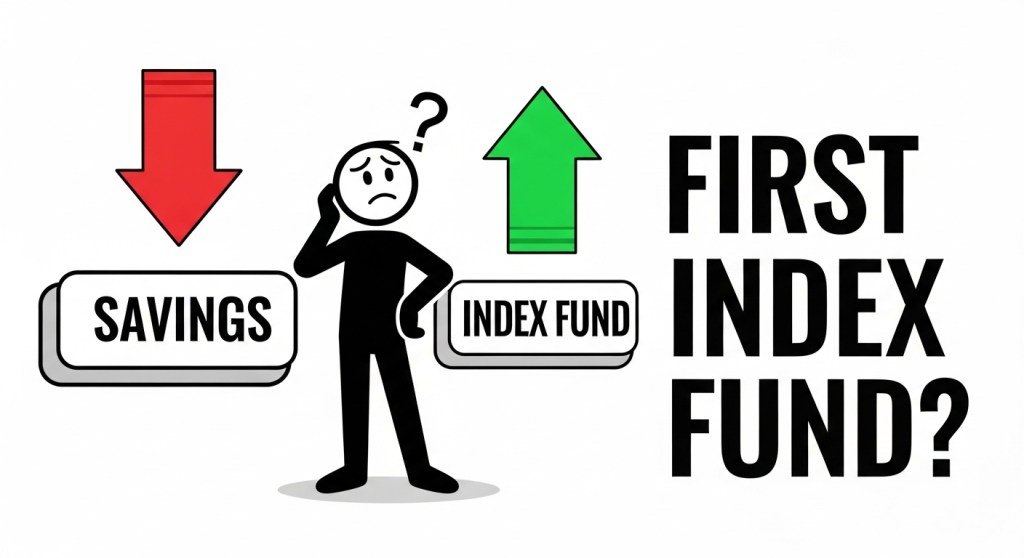
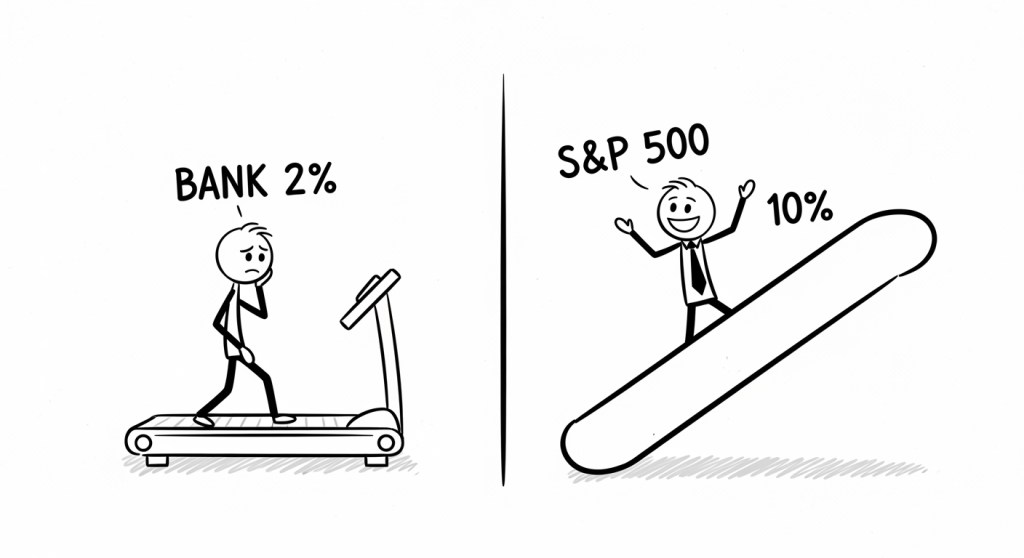
Recently, I reviewed a Short about how to buy your first index fund, and it’s a perfect example of what creators get right — and what they can improve.

If you’re making explainer-style Shorts using animation, stick figures, AI tools, or voiceover, this breakdown will help you level up.

We do not endorse or promote any specific finance . Information is based on publicly available data as of 2026 and may change without notice.


Why Finance Shorts Are Harder Than They Look

Finance content — especially topics like:

  • How to buy an index fund
  • S&P 500 investing
  • Beginner investing tips
  • Personal finance basics

… has huge demand.

But here’s the catch:

YouTube Shorts rewards retention and engagement, not just good information.

You can be correct… and still get buried.


1. Your First 3 Seconds Decide Everything

Shorts are brutal.

If viewers don’t feel hooked instantly, they scroll.

Instead of starting with:

“Here’s how to buy your first index fund…”

Try something sharper:

“Don’t buy an index fund before you hear this.”
“Most beginners invest the wrong way.”
“This is the safest way to start investing.”

These patterns trigger curiosity.
Curiosity increases retention.
Retention fuels the algorithm.

For creators in the finance niche, the hook matters more than the explanation.


2. Visual Movement Is Not Optional

If you’re using stick figure animation or AI-generated visuals, remember:

Still frames kill Shorts performance.

You need:

  • Constant motion
  • Scene changes every 2–4 seconds
  • Text appearing in sync with narration
  • Clear, bold on-screen keywords

Even simple zoom-ins or subtle camera movement can dramatically increase watch time.

When explaining index funds or the S&P 500, visual metaphors work best:

  • Roller coaster for market volatility
  • Growing tree for long-term investing
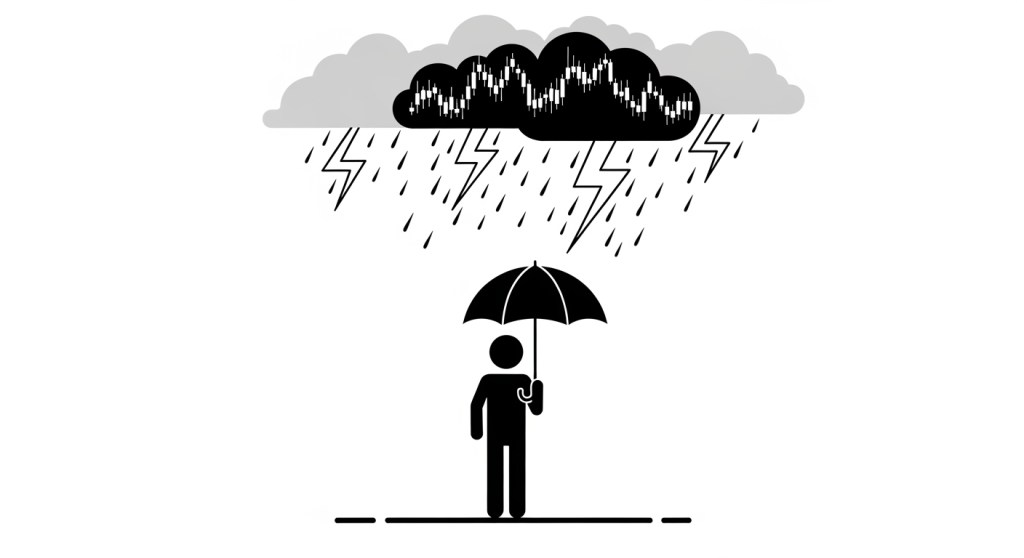
  • Storm vs calm investor

These visuals keep viewers emotionally engaged — not just informed.


3. SEO for Shorts Still Matters

Many creators ignore YouTube SEO for Shorts.

That’s a mistake.

Your title should include searchable phrases like:

  • How to buy an index fund
  • Investing for beginners
  • S&P 500 guide
  • First investment steps

A clean, optimized title like:

How to Buy Your First Index Fund (Beginner Guide)

is clear, searchable, and algorithm-friendly.

In the description, naturally include related terms:
index funds, stock market basics, long-term investing, brokerage account, expense ratio.

Don’t stuff them.
Just write naturally while being aware of search intent.

This helps with:

  • Google indexing
  • YouTube search
  • AI-generated summaries (GEO optimization)

4. Engagement Signals Push Shorts Further

Educational Shorts often fail because creators forget to ask for interaction.

Add a simple line:

Comment “FIRST INVESTMENT” if you’re starting your journey.

That one sentence can increase:

  • Comments
  • Replays
  • Shares

And YouTube notices.

If you’re building a personal finance channel, community matters as much as content.


5. Always Include a Disclaimer (Especially in Finance Content)

If you’re talking about investing, index funds, or the S&P 500, you need a disclaimer.

A short on-screen version is enough:

For educational purposes only. Not financial advice.

And a full version in the description:

This content is for educational and entertainment purposes only and does not constitute financial advice. Investing involves risk, including possible loss of principal. Past performance does not guarantee future results. Always conduct your own research before making investment decisions.

It protects you and builds credibility.


6. AI Tools Are a Force Multiplier — Not a Shortcut

This Short was created using:

  • ChatGPT (script structure and refinement)
  • Grok (research and idea validation)
  • Whisk (visual generation)

AI can speed up scripting, storyboarding, and animation planning.

But the difference between average and great content still comes down to:

  • Clear storytelling
  • Strong hooks
  • Human pacing
  • Emotional clarity

AI helps you move faster.
It doesn’t replace creative judgment.


7. The Real Metric You Should Watch

Views are vanity.

For educational Shorts, watch:

  • Average view duration
  • Percentage viewed
  • Rewatches

If your Short is under 60 seconds and people watch 80% or more, you’re on the right path.

That’s when YouTube starts testing your content wider.


Final Thoughts for Content Creators

If you’re making Shorts about:

  • Investing for beginners
  • Personal finance tips
  • Index fund strategies
  • Wealth building

Your job isn’t just to teach.

Your job is to hold attention.

Hook fast.
Move visually.
Stay clear.
Ask for engagement.
Protect yourself with disclaimers.

And most importantly — keep publishing.

Because in both investing and content creation, consistency wins.


.https://youtu.be/9ejLFQKhdwg

Perfect 🔥 Stick figure finance works extremely well if visuals are clean and consistent.

Below are ready-to-copy text-to-image prompts for each scene.
Style is consistent so your animation looks unified.


🎨 Global Style (Use This In Every Prompt)

Add this at the end of every prompt:

simple black and white stick figure illustration, minimalist, white background, bold black outlines, flat 2D vector style, clean YouTube animation frame, high contrast, no shading, no gradients, centered composition


🎬 Scene 1 – The Hook

Prompt:

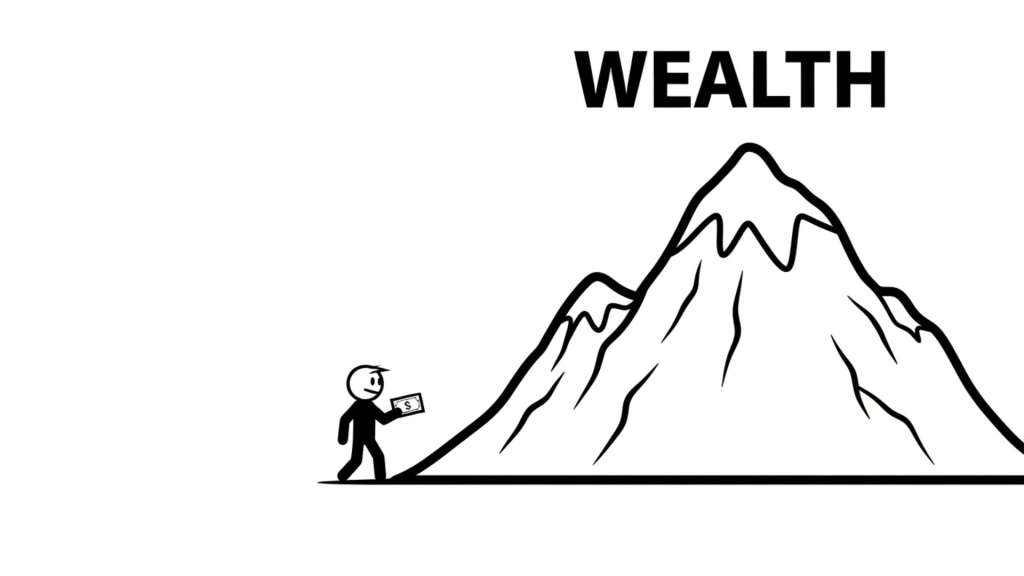
A small stick figure holding a tiny dollar bill, standing at the bottom of a huge mountain labeled “WEALTH” in big bold letters at the top, exaggerated size difference, motivational composition, white background, empty space around

  • add global style

🎬 Scene 2 – What Is an Index Fund?

Frame 1 (Struggling Investor)

Stick figure trying to hold many floating company icons around them, looking overwhelmed, small logos labeled “Apple,” “Google,” “Amazon,” chaotic arrangement around the figure

  • global style

Frame 2 (Basket Concept)

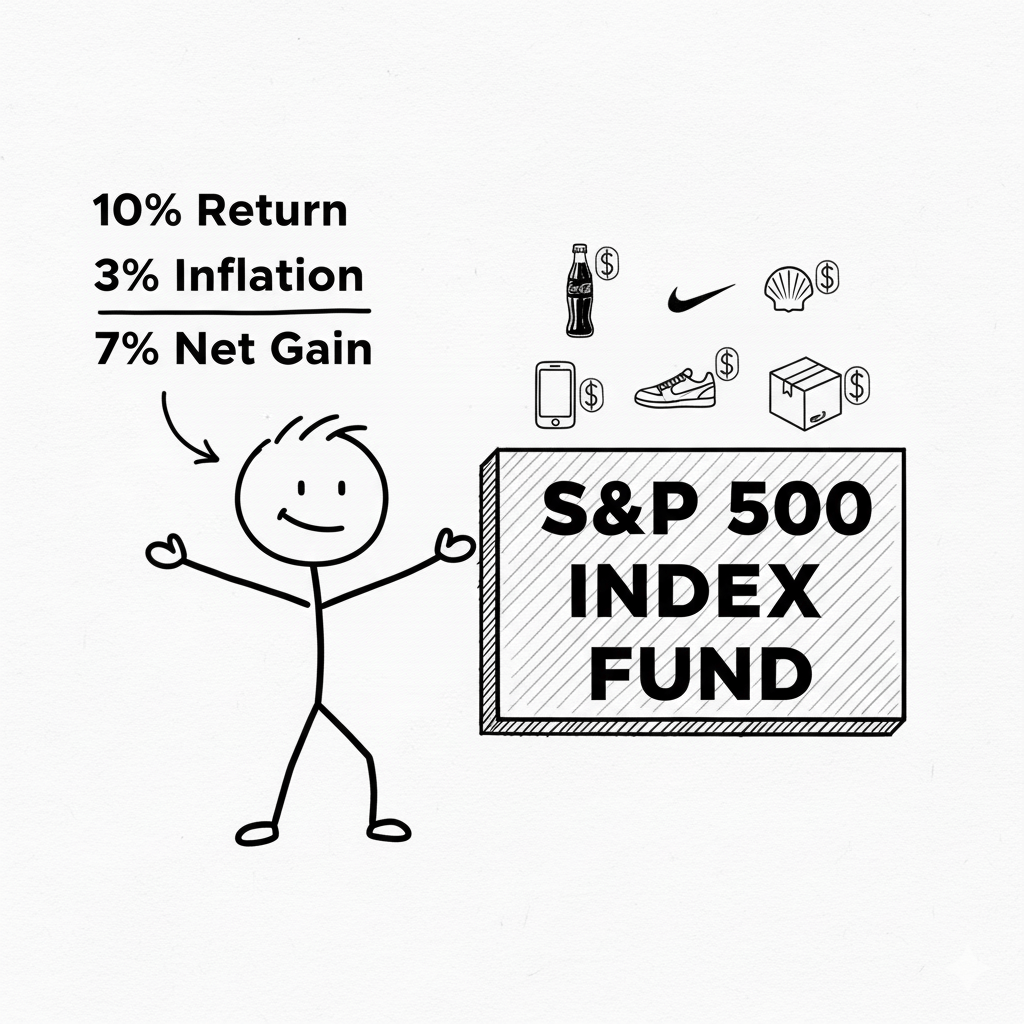
Large box labeled “S&P 500 INDEX FUND” with many small company icons neatly inside it, happy stick figure standing next to it, organized and simple visual metaphor

  • global style

🎬 Scene 3 – Stress vs Relax

Frame 1 (Stress)

Stick figure sweating while staring at jagged stock chart going up and down wildly, zigzag line above head, anxious body language

  • global style

Frame 2 (Calm Growth)

Relaxed stick figure lying in a hammock while a smooth upward stock chart rises slowly in background, peaceful posture

  • global style

🎬 Scene 4 – Open Brokerage Account

Stick figure sitting at laptop, laptop screen showing large text “Open Brokerage Account,” simple interface mockup on screen

  • global style

Optional alternate:

Laptop screen displaying app icons labeled “Vanguard,” “Fidelity,” “Schwab,” simplified generic UI

  • global style

🎬 Scene 5 – Deposit Money

Arrow moving from bank building icon labeled “BANK” toward a smartphone screen labeled “BROKERAGE APP,” stick figure watching

  • global style

🎬 Scene 6 – Search Index Fund

Large search bar floating in air, stick figure typing “VTI” into search bar, magnifying glass icon next to it

  • global style

Alternate frame:

Simple chart with tiny text “Expense Ratio 0.03%” next to a green checkmark, stick figure pointing at it

  • global style

🎬 Scene 7 – Buy Button

Big bold button labeled “BUY,” stick figure hesitating with finger close to button, dramatic pause composition

  • global style

Second frame:

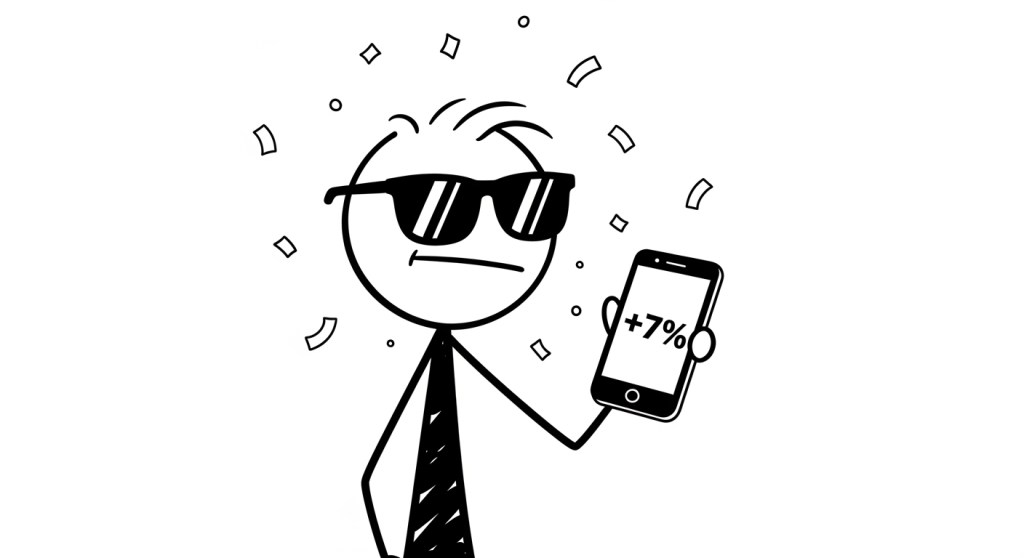
Stick figure confidently pressing BUY button, small confetti lines around

  • global style

🎬 Scene 8 – Long Term Investing

Calendar pages flipping in background, stick figure standing as small investment plant grows into a tree over time, upward arrow next to tree

  • global style

🎬 Scene 9 – Mistakes To Avoid

Stick figure running toward bright flashing sign labeled “HOT STOCK TIPS,” falling into a hole labeled “LOSS,” humorous exaggerated pose

  • global style

Alternate:

Two paths: one labeled “Long Term Investing” smooth road, one labeled “Day Trading” chaotic lightning bolts and crashes

  • global style

🎬 Scene 10 – Ending CTA

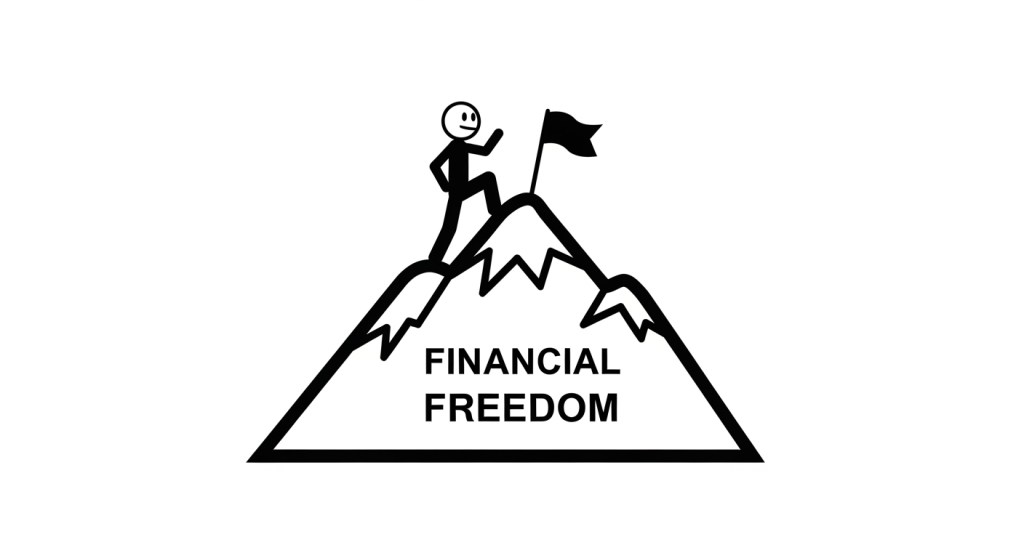
Stick figure halfway up mountain labeled “Financial Freedom,” looking confident, small flag planted halfway up

  • global style

🎬 Disclaimer Scene

Clean white background with centered bold text: “Educational Purposes Only – Not Financial Advice – Investing Involves Risk,” minimal design, simple layout

  • global style

🔥 Pro Animation Tip

To make your video look more dynamic:

Instead of static images, generate:

  • 2–3 slightly different poses per scene
  • Small variations (arm up, arm down, walking, pointing)

Then animate with:

  • Slow zoom in
  • Slight pan
  • Fade transitions

It makes simple stick figures feel professional.

Disclaimer: This article is for informational purposes only and does not constitute financial advice. Loan rates, terms, and funding speed may vary by lender, credit profile, and state regulations. Always review official lender disclosures and consult a qualified financial professional before making borrowing decisions.
How I Used Stick Figures to Explain Finance

I cannot draw.

Like, really cannot draw. Stick figures are a genuine challenge. My hands produce shaky lines, uneven circles, and whatever the opposite of “artistic vision” is.

So when I decided to make a YouTube video about inflation and savings accounts, I had a problem.

Every finance channel uses charts, graphs, and talking heads. I didn’t want to be another face on camera. I wanted something different. Something that felt human, not corporate. Something my non-finance friends would actually watch.

Somehow, I ended up here:

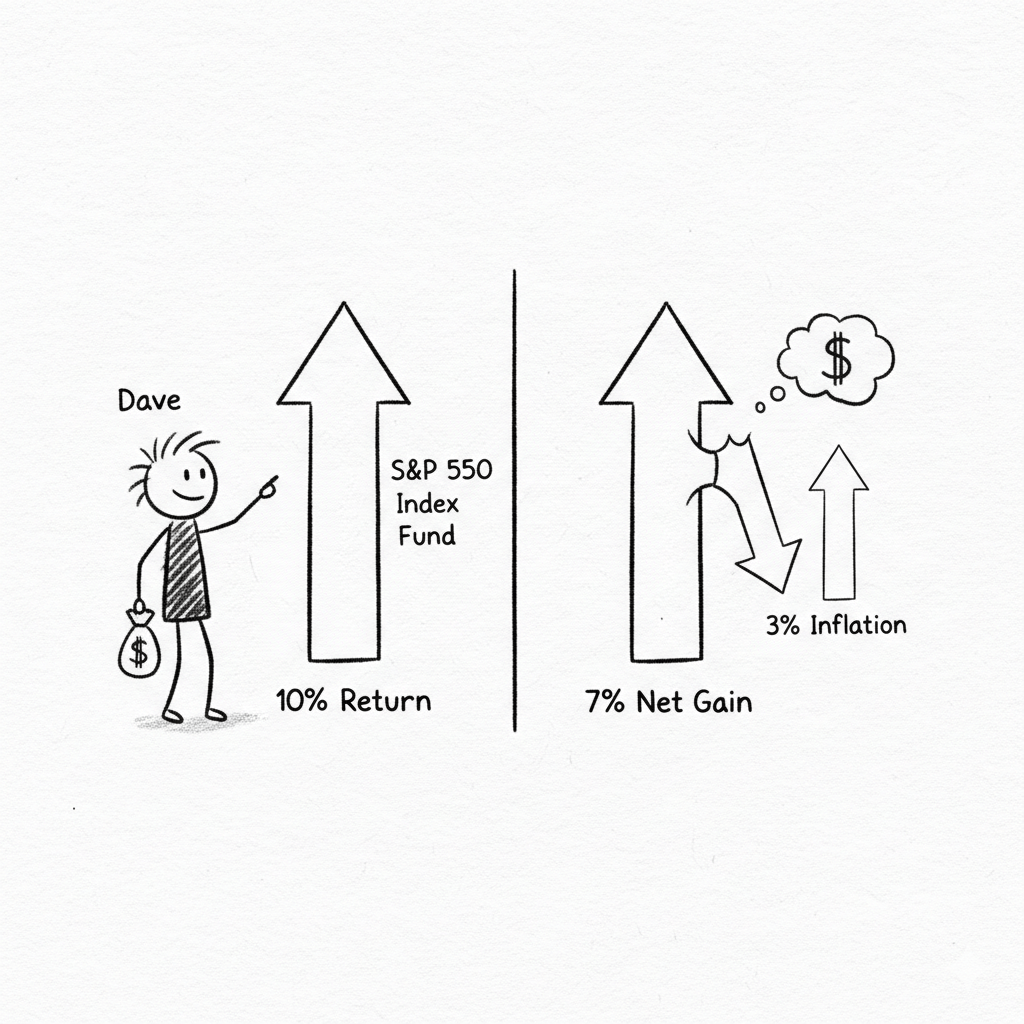
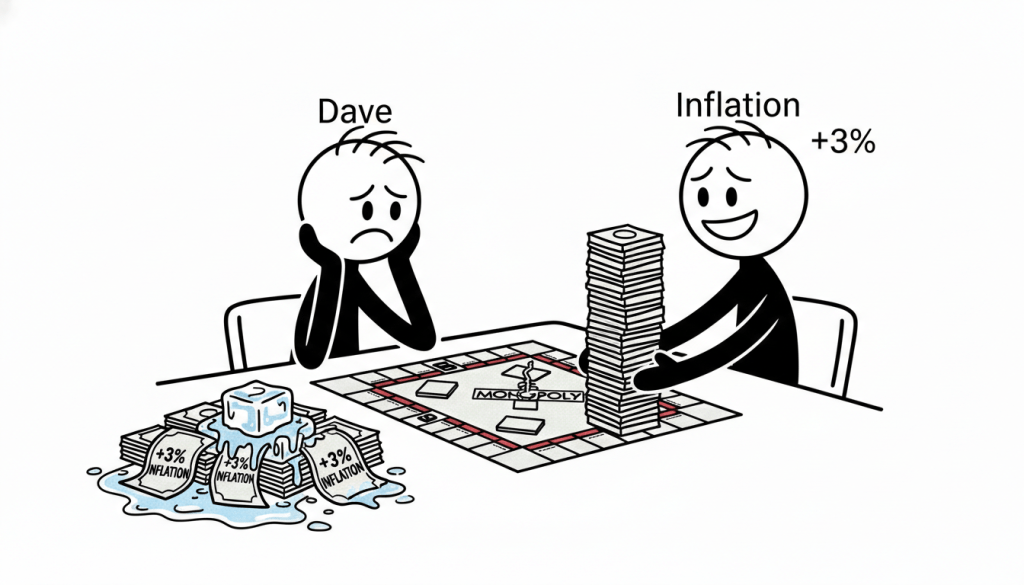
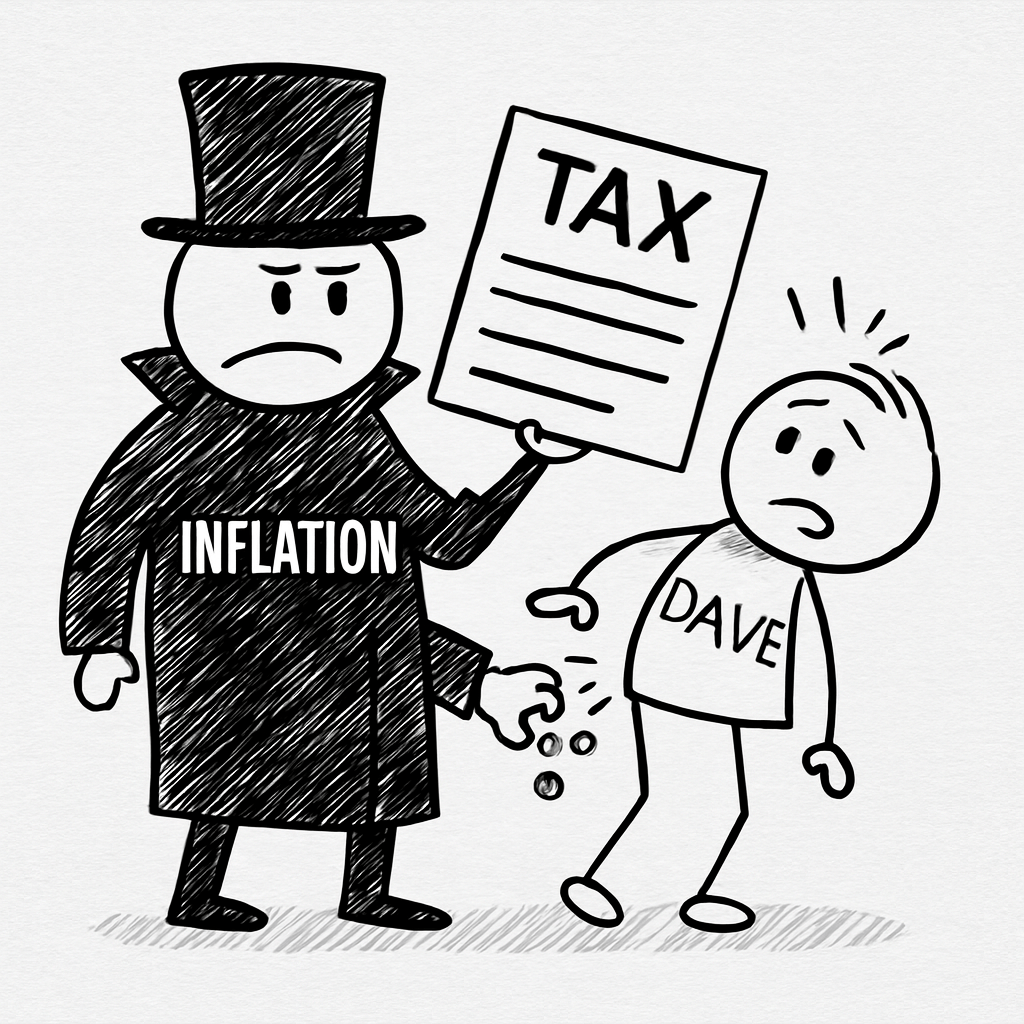
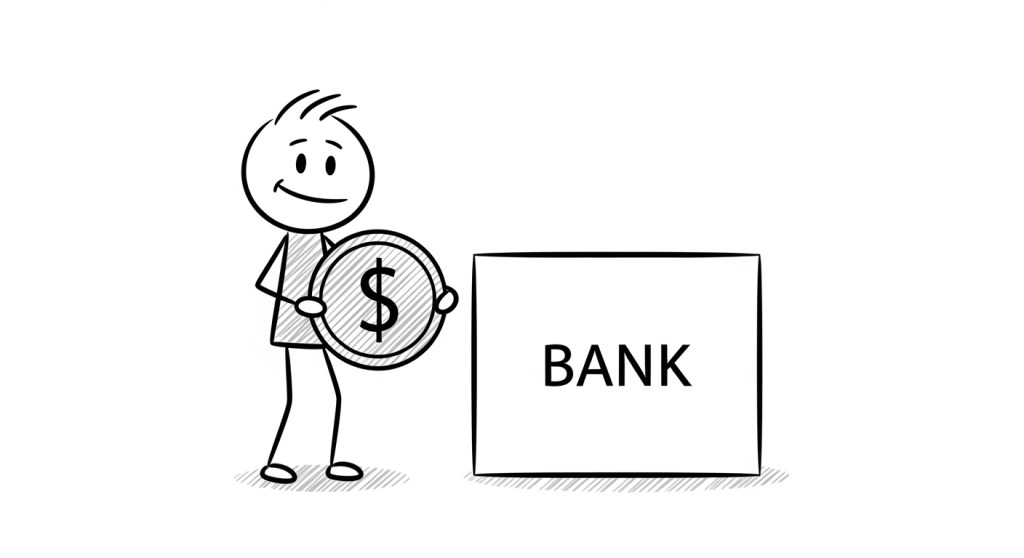
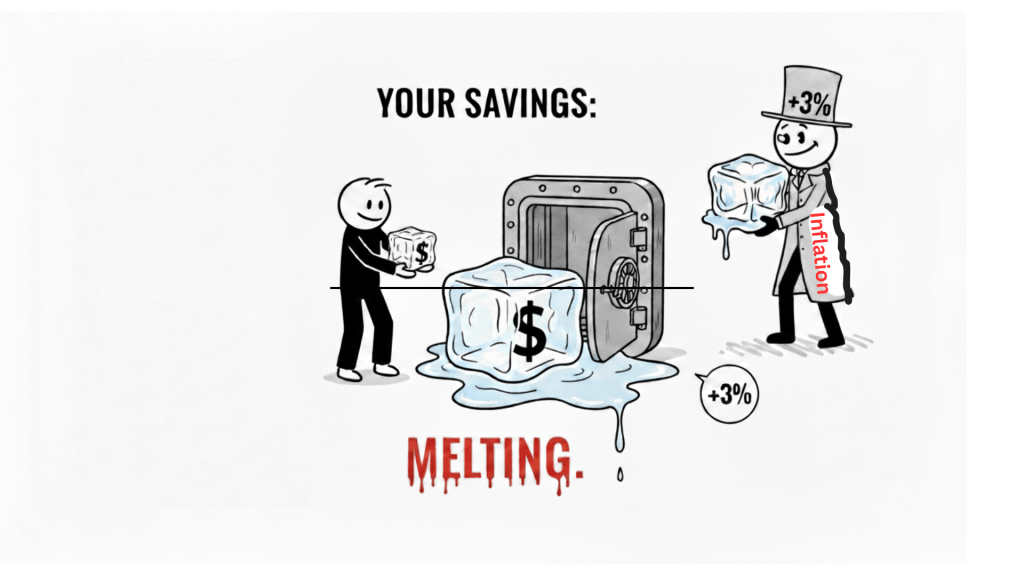
A stick figure named Dave. A villain in a top hat named Inflation. A melting ice cube labeled “YOUR SAVINGS.”

The video is live now. People are watching it. And I never picked up a pen.

Here is exactly how I did it—and why I think this approach might work for you too.


The Problem With Most Finance Videos

Before I started, I spent a week watching YouTube finance content.

The pattern was everywhere:

  • A man in a blazer standing in front of a bookshelf
  • A whiteboard with messy handwriting
  • Stock footage of graphs going up and down
  • The same “passive income” thumbnail with red arrows

I wasn’t learning. I was scrolling past.

The numbers are there. The trust isn’t.

I kept thinking: Why does money education have to look like a corporate training video?

Then I saw a Kurzgesagt video about black holes. Then I saw a Ghibli film. Then I saw someone on Twitter making stick figure comics about burnout.

And I thought: What if finance looked like this?

Not authoritative. Not intimidating. Just… friendly.

We do not endorse or promote any specific finance. Information is based on publicly available data as of 2026 and may change without notice.


The Tools I Actually Used

Here is the part I was embarrassed about at first.

I did not animate anything.

I did not draw frame-by-frame. I did not rig characters in After Effects. I did not spend 80 hours on a 4-minute video.

I typed words into boxes.

  • Whisk for images. I described Dave. I described Inflation. I described a melting ice cube with a dollar sign inside. The AI drew them.
  • FlexClip for motion. I uploaded Dave standing still. I typed “walks slowly, looks worried.” The AI moved him.
  • CapCut for voice. I wrote a script. I pasted it into text-to-speech. I adjusted the pitch down slightly so it didn’t sound like a robot reading terms and conditions.

Total time for the first video: About 6 hours spread across a weekend.

Total drawing ability required: Zero.


The Part I Almost Got Wrong

My first attempt was ugly.

Not stylized ugly. Not “handmade aesthetic” ugly. Just genuinely difficult to look at.

Dave had three different hairstyles across three scenes. Inflation changed height between shots. The ice cube looked like a generic rectangle with water on it.

I didn’t realize consistency was a skill.

Then Whisk generated one image that changed everything.

Dave, five strands of hair. Dot eyes. Neutral expression. Inflation, top hat, trench coat, no face. Pure white background. Simple black lines. Light cross-hatching for texture.

I saved that image. I named it “STYLE REFERENCE.”

Every prompt after that began with the same description. Copy, paste, adjust the action. Dave always had five hairs. Inflation never got a face. The background never changed.

This single habit saved me hours of editing and gave the video an actual visual identity.


The Metaphor That Almost Didn’t Happen

The script was fine. Numbers, explanations, S&P 500, disclaimer.

But it was boring.

Then I changed one line.

“This isn’t a bank. It’s a slowly melting ice cube.”

I almost deleted it. Too simple. Not professional enough. A finance video shouldn’t compare compound interest to kitchen appliances.

I kept it anyway.

That line is now the thumbnail. Dave, worried, holding a dripping cube labeled with a dollar sign. Viewers click because they need to know what the ice cube means.

The metaphor did what charts could not. It made people feel something.


What I Learned About Viewers

I expected people to comment on the math. “Actually, 4% HYSA minus 3% inflation is 1% net gain, not negative—”

Instead, they commented on Dave.

“Poor Dave.”
“I am Dave.”
“Dave needs a better bank.”

They weren’t calculating. They were projecting.

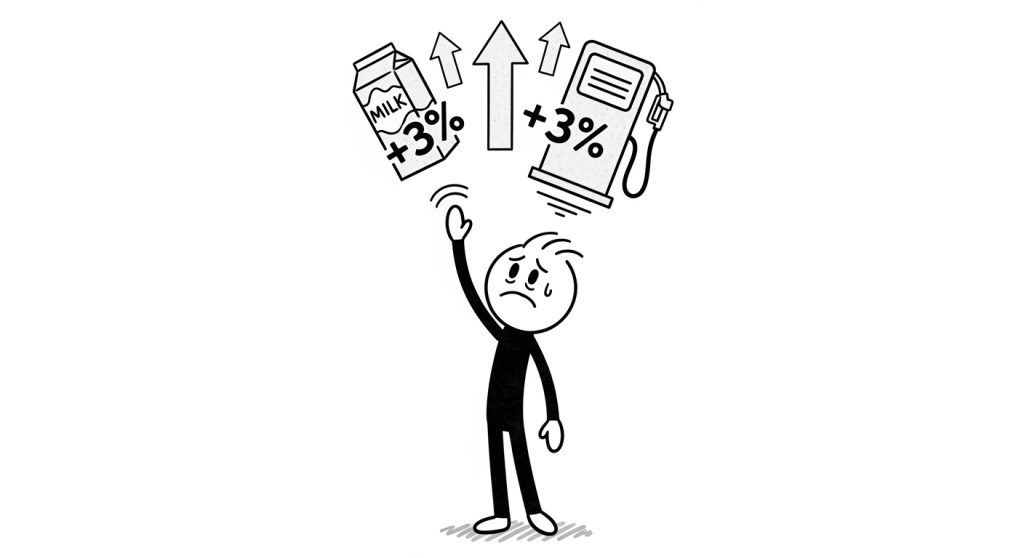
They saw a tiny stick figure getting rained on by a dark cloud labeled “INFLATION 3%” and thought: That’s me.

The numbers were secondary. The story was primary.


What I’d Do Differently Next Time

1. I’d make the subscribe link one-click from day one.

I spent two weeks sending people to my channel page like a tourist. The one-click link is in the description now. It should have been there at publish.

2. I’d lock the character design before writing the script.

I wrote scenes before I knew what Dave looked like. This caused unnecessary re-prompts. Next time, I generate the hero image first and write around it.

3. I’d publish 48 hours sooner.

The last 10% of polish took 40% of the time. The thumbnail was “almost ready” for three days. The audio was “almost perfect” for two more.

Viewers do not notice the difference between 95% perfect and 98% perfect.

They notice that the video exists.


Why I’m Sharing This

I am not a successful creator. I have one video and 14 subscribers. (Update: 22 now. Someone watched twice.)

But I spent years waiting for permission. Waiting for drawing skills. Waiting for the perfect microphone. Waiting for the moment I’d feel “ready.”

This video proved that readiness is fake.

I used AI tools that felt like cheating. I wrote a script in 45 minutes. I generated images while eating lunch. I published with a thumbnail I made in a browser tab.

And it worked. Not viral. Not life-changing. But it worked.


What’s Next

Video 2 is about compound interest.

Dave plants a seed. It grows into a tree. The tree has tiny iPhones and Nike shoes growing on it.

I already have the prompt written.


If you’re sitting on an idea because you can’t draw, can’t animate, or don’t “look like a YouTuber”—this is your sign to use the tools anyway.

Dave didn’t wait until he could draw himself. He just showed up.

You can too.

The One-Click Subscribe Trick That Grew My Channel Faster (And Why Most Creators Miss It)

I spent weeks obsessing over thumbnails, scripts, and retention curves.

Then I realized I was losing subscribers on the finish line.

Someone watches your 4-minute explainer. They liked it. They want to subscribe. But they have to:

  1. Click your channel name
  2. Wait for the page to load
  3. Visually scan for the red button
  4. Click again

That’s four steps. Four opportunities for them to get distracted by a cat video and never come back.

There’s a faster way. YouTube built it years ago. Almost no one uses it.


The Link That Subscribes in One Click

It looks like this:

That’s it. Someone clicks it, they subscribe instantly. No confirmation screen. No second thought. Just a +1 in your subscriber count and a “Thanks for subscribing” message.

I felt stupid when I learned this. I’d been sending people to my channel page like it was 2015.


Why This Actually Matters for Growth

YouTube is a suggestion engine.

When someone subscribes, YouTube thinks: “This person liked this channel enough to hit the button. Show them more.”

Your video gets pushed. Your next upload appears in their feed automatically. The algorithm stops treating you like a stranger and starts treating you like family.

But none of that happens if they bounce during the two extra clicks.

Friction is the enemy of growth. This link removes friction.


Where I Put Mine Now

Top of the description. First three lines. No exceptions.

Not buried after timestamps, resource links, and my life story. Right there, visible without clicking “more.”

🔔 Subscribe in one click (seriously, one click):
[Your channel link with ?sub_confirmation=1]

I also pin it in the comments within 60 seconds of publishing.

Why the comments? Because YouTube ranks comments by engagement. A pinned subscribe link stays at the top forever. Every new viewer scrolls down, sees it immediately, and one-click subscribes while reading what other people thought of the video.

It’s like having a billboard inside your own theater.


The Psychological Trick Nobody Talks About

When you send someone to your channel page, you’re asking them to decide whether to subscribe.

When you use the one-click link, you’re assuming they already have.

It’s a small shift. But it changes everything.

“I like this. I want more. Click.”
vs
“I like this. Should I subscribe? Let me check out their other videos first. Wait, what was I doing?”

The first path takes one second. The second path takes ten seconds and a mental debate.

Never let your viewer talk themselves out of subscribing.


What This Looks Like in Practice

Here’s my exact description template now:


You just watched a 4-minute explainer on why your savings account is melting. No jargon. No get-rich-quick. Just visual finance.

🔔 Subscribe in one click for more stick figure finance lessons:
[Your one-click link]

⏱️ TIMESTAMPS:
0:00 – Meet Dave
0:20 – The Trap
… etc.

📚 RESOURCES:


Clean. Direct. Zero friction.


The Part That Made Me Nervous

I worried it felt pushy.

“One-click subscribe link? Isn’t that a little aggressive?”

Then I checked my analytics. The videos with the one-click link in the top three lines gained subscribers three times faster than the ones where I buried it politely at the bottom.

Viewers aren’t offended by a clear call to action. They’re grateful for it.

They just spent four minutes with you. They liked what they saw. They want to know what’s next.

Give them the shortest possible path to “what’s next.”


Your Turn

Copy your channel ID from YouTube Studio. It looks like UCKgkvw-W0exhS7x8PYZxWHg or similar.

Paste it into this:

Put that link in your next video description. First three lines. No excuses.

Then watch what happens when you stop asking people to subscribe and start letting them.


Have you tried this yet? Or are you still sending people to your channel page like I was for two years? Drop a comment below—I read every single one.

Disclaimer: This article is for informational purposes only and does not constitute financial advice. Loan rates, terms, and funding speed may vary by lender, credit profile, and state regulations. Always review official lender disclosures and consult a qualified financial professional before making borrowing decisions.